
Most business owners have a rough idea of what SEO is supposed to look like. You pick the words customers search for, you write good pages around them, and over time other websites link to you because you’re worth linking to.
Keywords, content, links. That’s the version everybody knows.
Then there’s the part nobody explains: whether Google can actually read your website in the first place.
That’s the layer where good businesses quietly lose. You can have the best service page in your city and still rank on page four because the page is blocked by one line in a file you’ve never opened, or because it’s one of forty near-identical pages competing with each other, or because it lives four clicks deep behind a menu Google gave up on.
Finding those problems requires a crawler — a piece of software that walks your website the way a search engine does and reports back on every single page. The best one for the job is the Screaming Frog SEO Spider. This guide explains what a Screaming Frog audit actually is, what it finds, why we reach for it before we touch content or links, and what it can’t do on its own.
First, the Part Nobody Explains: Three Kinds of SEO
Before the tool makes sense, the problem has to make sense. SEO breaks into three layers, and they fail in completely different ways.
| Layer | What it covers | What it looks like when it’s broken |
| On-page SEO | Keyword relevance: Titles, headings, body copy, images | Your page is about the right topic but doesn’t say so clearly. |
| Off-page SEO | Backlinks: Authority, citations, reviews, brand mentions | Nobody vouches for you, so you can’t outrank established competitors. |
| Technical SEO | Site structure: Site crawling, site structure, URL indexing, redirection, page rendering, site speed and user experience | Google can’t reach, read, or trust the page at all. Google only (tries to) display the very best of the internet. |
Here’s why the order matters: on-page and off-page work assume the technical layer is already functioning. Writing a better title tag on a page Google is told not to index accomplishes nothing. Earning a backlink to a URL that redirects three times before landing on a 404 accomplishes even less.
Technical SEO is the plumbing. It’s invisible when it works, and it makes everything else pointless when it doesn’t. We wrote more about why technical SEO matters if you want the fuller picture.
The catch is that technical problems are genuinely hard to see by hand. Your homepage looks fine. Your top three pages look fine. But if your site has 400 pages and 60 of them have a problem, you will never find them by clicking around. You need something that checks all 400 in one pass.
What a Screaming Frog Audit Actually Is
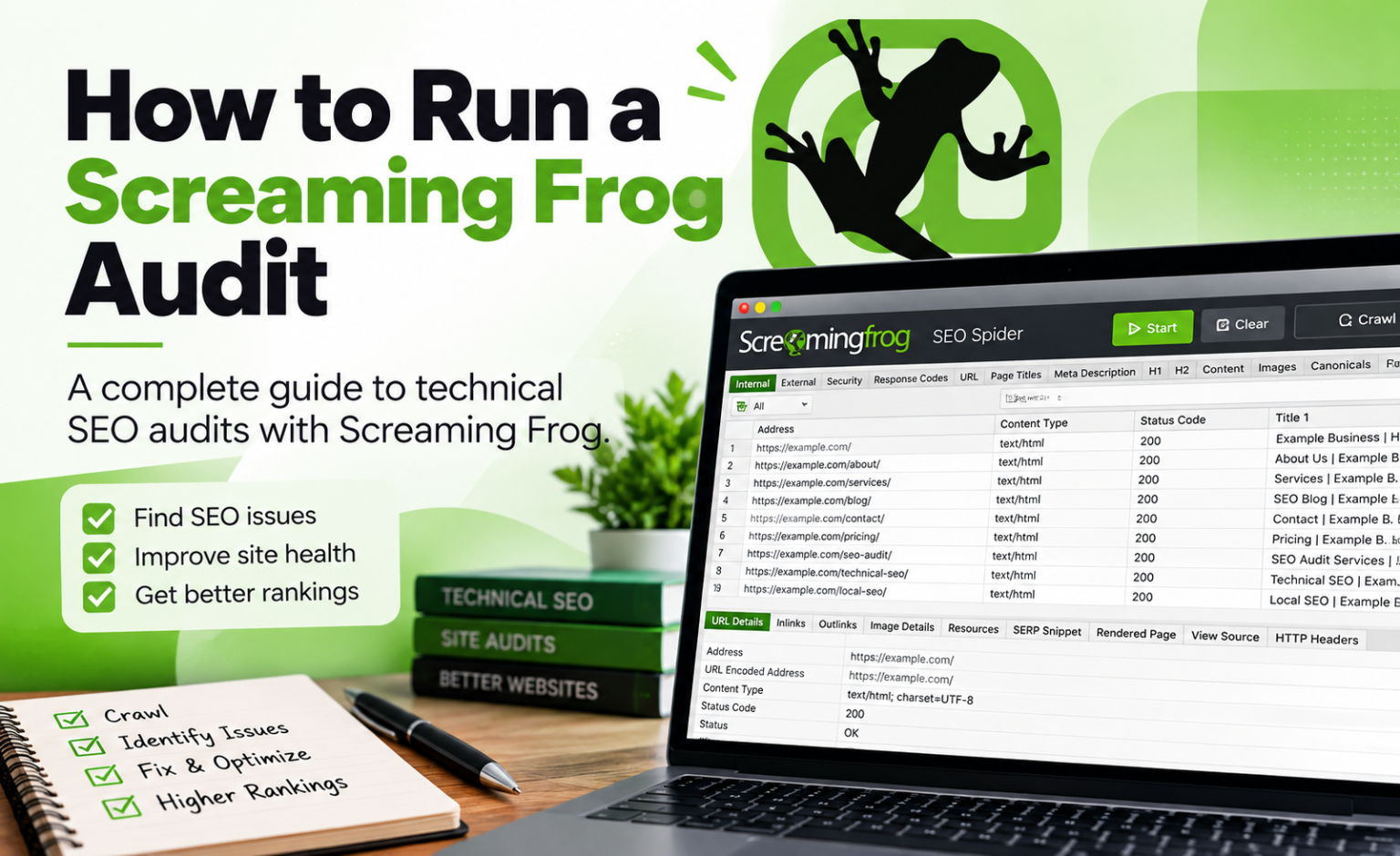
The Screaming Frog SEO Spider is a desktop crawler. You install it on your computer, point it at your domain, and it starts following links exactly like a search engine bot — page to page, image to image, script to script — recording everything it sees along the way.
When it finishes, you don’t get a score out of 100. You get a spreadsheet of your entire website: every URL, its status code, its title tag, its meta description, its headings, its word count, its canonical tag, what links to it, what it links out to, and roughly fifty other data points per page.
That distinction matters. Most SEO tools give you a grade. Screaming Frog gives you the raw material. A grade tells you something is wrong. Raw crawl data tells you which 23 URLs are wrong, why, and what links to them — which is the only version you can actually hand to a developer.
It runs on Windows, Mac, and Ubuntu Linux, needs a 64-bit OS and at least 4GB of RAM, and can crawl millions of URLs with the right hardware and database storage mode configured.
Free vs. Paid
This is one of the genuinely rare cases where the free version is useful rather than a demo.
| Free version | Paid licence | |
| Cost | £0 | £199 per user, per year |
| Crawl limit | 500 URLs per crawl | Limited only by memory and storage |
| Broken links, redirects, errors | Yes | Yes |
| Titles, meta descriptions, headings | Yes | Yes |
| Exact duplicate pages, hreflang, XML sitemaps | Yes | Yes |
| JavaScript rendering | No | Yes |
| Search Console / Analytics / PageSpeed integrations | No | Yes |
| Custom extraction, scheduling, crawl comparison | No | Yes |
| Near-duplicate content, segmentation, accessibility auditing | No | Yes |
The feature split and pricing come straight from Screaming Frog’s pricing page, with bulk discounts down to £169 per licence at 20 or more seats.
For a small local business site under 500 pages, the free version will surface most of what’s broken. Everything past that — comparing crawls month over month, pulling live traffic data in, checking whether your JavaScript-built pages are even visible to Google — needs the licence.
The Nine Problems a Screaming Frog Audit Finds First
These are the issues that most often separate a site from its ranking potential, roughly in the order we look at them.
1. Pages Google Isn’t Allowed to Index
The most expensive technical problem is also the simplest: a noindex tag or a robots.txt rule quietly excluding pages that should be earning traffic. It happens constantly after site launches and redesigns, when staging-site settings get pushed live and nobody notices.
Screaming Frog reports meta robots, X-Robots-Tag headers, and robots.txt blocks for every URL at once. You’ll know in one glance whether your money pages are actually eligible to rank.
2. Broken Links and Server Errors
404s and 5xx errors waste the crawl effort Google spends on you, and they send real visitors into dead ends. Screaming Frog finds them and — this is the useful part — tells you the source URL of every broken link, so you know exactly which page to edit.
3. Redirect Chains and Loops
One redirect is fine. Four redirects stacked on top of each other from years of URL changes is a slow, signal-diluting mess. Migration audits are where this tool earns its keep: you upload your old URL list, crawl it, and immediately see which old pages redirect correctly, which chain, and which quietly 404.
If you’re weighing a rebuild, this is also part of what we look at when assessing signs it’s time to redesign your website.
4. Duplicate and Near-Duplicate Content
Duplicate pages force Google to choose between your own URLs, and it doesn’t always choose the one you’d want. Screaming Frog catches exact duplicates using an MD5 check and, with a licence, near-duplicates at a configurable similarity threshold. The default is 90%.
This is the single most common finding on multi-location service sites, where the same page gets copied city by city with only the town name swapped.
5. Missing, Duplicated, and Truncated Titles and Meta Descriptions
Your title tag is the line that wins or loses the click. Screaming Frog flags every title that’s missing, duplicated across pages, too long, or too short — across the whole site in one view. If you want the deeper version of this, we covered title tag optimization in detail.
6. Thin Content and Orphan Pages
The Content tab sorts every page by word count, which makes thin pages obvious fast. Run crawl analysis afterward and you also get link score data and orphan pages. URLs that exist and are indexable but have no internal links pointing to them, meaning Google finds them only through your sitemap, if at all.
7. Broken Structured Data
Schema markup is what earns review stars, FAQ expansions, and product details in search results. Screaming Frog validates JSON-LD, Microdata, and RDFa against Schema.org and Google’s own requirements, so you find out your markup is malformed before you spend six months wondering why the stars never showed up.
8. Speed and Core Web Vitals at Scale
PageSpeed Insights tests one URL at a time. Connect the PageSpeed Insights API to a crawl and you get Lighthouse metrics, speed opportunities, and real-world Chrome User Experience Report data for every page in the crawl. This how you find out the problem isn’t your site, it’s one oversized hero image on 80 pages.
9. JavaScript Content Google Can’t See
Sites built on React, Vue, or Angular sometimes render their content in the browser rather than in the HTML. If Google can’t render it, the content effectively doesn’t exist. Screaming Frog’s integrated Chromium rendering crawls the page the way a browser would and lets you compare original HTML against rendered HTML side by side.
Why This Tool Instead of the Ones With Nicer Dashboards
Plenty of platforms will crawl your site. We use several of them. Here’s the honest comparison of where each fits.
| Tool type | Best at | Where it falls short |
| Screaming Frog (desktop crawler) | Complete, page-level data on demand; full crawl control; custom extraction | No historical dashboard by default; requires interpretation |
| All-in-one platforms (Semrush, Ahrefs) | Rankings, backlinks, competitor data, trend tracking | Cloud crawls are less configurable; caps and scheduling limits |
| Google Search Console | Google’s own indexing verdicts — irreplaceable | Sampled, delayed, and only shows pages Google already knows about |
| Page-speed testers | Deep single-page diagnostics | One URL at a time |
Four things put Screaming Frog first in the sequence for us:
- You control the crawl. You can crawl a single subfolder, exclude a section, ignore images and CSS to save memory, cap crawl depth, crawl behind a login with form-based authentication, or crawl a staging site before launch. Cloud tools mostly crawl what they decide to crawl.
- It answers questions no preset report anticipates. Custom extraction pulls any element off any page using CSS Path, XPath, or regex — prices, SKUs, author names, a specific tracking script. That’s how you verify your analytics tag is on all 900 pages instead of 880.
- It cross-references your own data. Search Console, Analytics, PageSpeed, and link metrics from Ahrefs, Moz, or Majestic can all be pulled into the same crawl. Now a low-traffic page isn’t a complete mystery. You can see it’s slow, thin, and four clicks deep in the same row.
- It proves the work happened. Crawl comparison puts two crawls side by side and shows exactly what changed between them. That’s how a client sees 140 broken links become zero, rather than taking our word for it.
There’s one more piece worth knowing about: Screaming Frog now ships integrations with OpenAI, Gemini, and Claude, plus a Model Context Protocol server for querying crawl data through AI clients.
Screaming Frog Version 22 added semantic similarity analysis using vector embeddings, which finds pages that mean the same thing even when the wording differs. Useful for spotting content cannibalization that a word-match check would miss entirely.
What the Crawl Data Means for Your Business
Technical findings sound abstract until you connect them to outcomes. Here’s the translation.
| What the crawl finds | What it’s costing you |
| noindex on a service page | That page cannot rank at all, for anything |
| 40 near-duplicate location pages | Your own pages compete with each other; none wins |
| Redirect chains from an old migration | Diluted link signals; slower load for real visitors |
| Broken internal links | Wasted crawl effort; visitors hitting dead ends |
| Orphan pages | Content Google barely knows exists |
| Missing or duplicate title tags | Lower click-through even when you do rank |
| Invalid schema | No review stars, no FAQ results, no rich snippets |
| Slow, image-heavy templates | Weaker Core Web Vitals; higher bounce on mobile |
| JavaScript-only content | Content that is functionally invisible to search engines |
Google’s own guidance on this is blunt: duplicate URLs, removed URLs, and unimportant URLs waste the crawling time Google spends on your site, and “perceived inventory” is the factor site owners can most directly influence. Every junk URL a crawl uncovers and you clean up is crawl effort redirected toward pages that actually make you money.
What Screaming Frog Won’t Do for You
We’d rather set the expectation honestly, because this is where a lot of DIY audits stall.
- It doesn’t prioritize. A first crawl of a neglected site can surface thousands of flagged items. Knowing that 12 of them matter this quarter and the other 900 are noise is judgment, not output. Crawl and indexation issues come first; cosmetic warnings come last.
- It doesn’t fix anything. It’s a diagnostic. Somebody still has to edit the theme, rewrite the redirects, consolidate the pages, and compress the images.
- It doesn’t know your business. The tool can’t tell you that the thin page it flagged is your highest-converting landing page and should be expanded rather than removed.
- It’s not a strategy. A perfectly clean crawl on a site targeting the wrong keywords still won’t grow. Technical health clears the runway — keyword research and content decide where you’re flying.
How We Use It at Major Fluke
We start almost every engagement with a crawl, before we write a word of content or chase a single link. There’s no point optimizing pages that Google can’t index or writing new ones onto a foundation that’s leaking.
The sequence looks like this:
- Crawl the full site with Search Console, Analytics, and PageSpeed data connected, so technical findings and real performance sit in the same view.
- Sort findings by revenue impact, not by warning count. Indexation and crawl blocks on commercial pages get fixed first.
- Build a prioritized remediation roadmap — what to fix, in what order, and who does it.
- Implement the fixes, or hand a developer a list specific enough to act on without a follow-up meeting.
- Re-crawl and compare so the before-and-after is documented, and surface it in the Looker Studio and Notion dashboards our clients have standing access to.
With 18+ years of technical SEO behind that process, the honest value we add isn’t owning the software. It’s £199 a year, anyone can buy it. It’s knowing which 12 of the 900 flagged issues will actually move your rankings this quarter, and in what order to fix them.
The Takeaway
Screaming Frog is the best website auditing tool because it doesn’t editorialize. It hands you the complete, unflattering, page-level truth about how a search engine experiences your website — and technical SEO problems can’t be fixed until somebody can see all of them at once.
If you want to try it yourself, download the free version and crawl your own domain. Start with the Response Codes tab and the Page Titles tab. Even 500 URLs of honest data usually reveals something worth fixing.
And if the results raise more questions than they answer — which is normal — that’s the part we’re good at. Major Fluke runs a full technical SEO audit that goes past the flagged-issue list to a prioritized plan tied to the pages that actually drive your revenue. Get in touch with a truly technical Medford SEO company through the form below and we’ll crawl your site and walk you through what we find, in plain English, no obligation.
Work hard. Let luck follow.